
IPTV Florida in 2026: Your Guide to Streaming Plans, Devices & Home Entertainment
Looking for IPTV in Florida? Whether you live in Miami, Orlando, Tampa, Jacksonville, or another part of the Sunshine State, this guide explains how internet-based television works, what to compare before subscribing, and how to choose a viewing setup that fits your household.

What Is IPTV, and How Does It Work in Florida?
IPTV stands for Internet Protocol Television. Instead of receiving television programming exclusively through a traditional cable or satellite connection, IPTV delivers video using an internet connection.
Many familiar streaming experiences use internet-based delivery. Depending on the provider and its content agreements, a service may offer live television, scheduled programming, or on-demand entertainment.
For a Florida household, the basic ingredients are usually straightforward: a suitable internet connection, a compatible device, and access to an authorized streaming service.
Does IPTV Replace Traditional Cable?
It can be an alternative for some viewers, but the right choice depends on your habits. Some households want live local news and sports, while others mainly watch movies and series. A subscription should be evaluated against those actual viewing needs.
Why Florida Viewers Explore IPTV Services
Florida residents have different entertainment routines. Some enjoy a large living-room television after work; others use tablets and phones at home. Seasonal residents may also need to think carefully about where their subscriptions are permitted to work.
1. A More Flexible Home Entertainment Setup
Internet-based viewing can reduce reliance on a single television connection when a service supports multiple device types. Always confirm device support and any simultaneous-stream limits before paying.
2. More Control Over Subscription Decisions
Rather than choosing solely by an advertised channel count, compare the length of each plan, total price, renewal rules, cancellation policy, and exactly which programming is available in Florida.
3. Entertainment for Different Interests
A household might have sports fans, movie lovers, documentary viewers, and children with different preferences. The best plan is one that covers the content your family actually wants to watch—with the necessary content permissions and parental controls.
IPTV vs. Cable TV vs. On-Demand Streaming
Florida viewers sometimes use the word “streaming” for several different services. Understanding the differences makes comparison easier.
| Feature | Traditional Cable | Authorized Live TV Streaming | On-Demand Services |
|---|---|---|---|
| Delivery | Cable network | Internet connection | Internet connection |
| Live channels | Typically included | Depends on the plan | Limited or service-specific |
| Movies and series | Plan-dependent | Plan-dependent | Usually a core feature |
| Equipment | May require provider equipment | Compatible internet device | Compatible internet device |
| Local channels | Varies by area and package | Varies by market and rights | Varies by service |
| Best suited for | Households wanting a conventional TV package | Viewers seeking authorized live internet television | Viewers focused on specific shows and libraries |
The takeaway is simple: there is no universal winner. Compare the channels, content rights, device support, pricing, and reliability that matter to your household.
7 Things to Check Before Buying an IPTV Subscription in Florida
1. Confirm Content Availability and Rights
Ask whether the provider is authorized to supply the live channels and on-demand titles you want. This is especially important for premium sports, pay-TV networks, and content with regional restrictions.
2. Check the Actual Channel List
An impressive total channel count does not automatically mean your favorite channels are included. Ask for a current list relevant to your Florida location, including any local stations or sports programming you need.
3. Check Your Devices
Before choosing a plan, tell the provider whether you use a Samsung or LG smart TV, Android TV, Amazon Fire TV, iPhone, iPad, or computer. Compatibility can depend on the specific model, app, and service.
4. Understand the Full Subscription Price
Confirm whether the quoted amount is monthly, for several months, or annual. Also check whether taxes, extra connections, or additional services are charged separately.
5. Read Renewal and Cancellation Terms
A low introductory price is only useful when you understand what happens afterward. Review renewal rules, refund conditions, and how to cancel if the service does not meet your needs.
6. Ask About Customer Support
Installation questions and connection problems are easier to address when there is a clear support contact. Find out which support channels are available and how to request help.
7. Test Your Internet Connection
Streaming quality depends on more than an advertised resolution. Your internet speed, Wi-Fi signal, connected devices, and the provider’s infrastructure all affect playback.
Ready to Compare Plans?
The Unlimited IPTV website provides subscription information and setup guidance. Review the current details, then contact the team with questions about your Florida location and devices.
IPTV Florida: Devices and Installation Basics
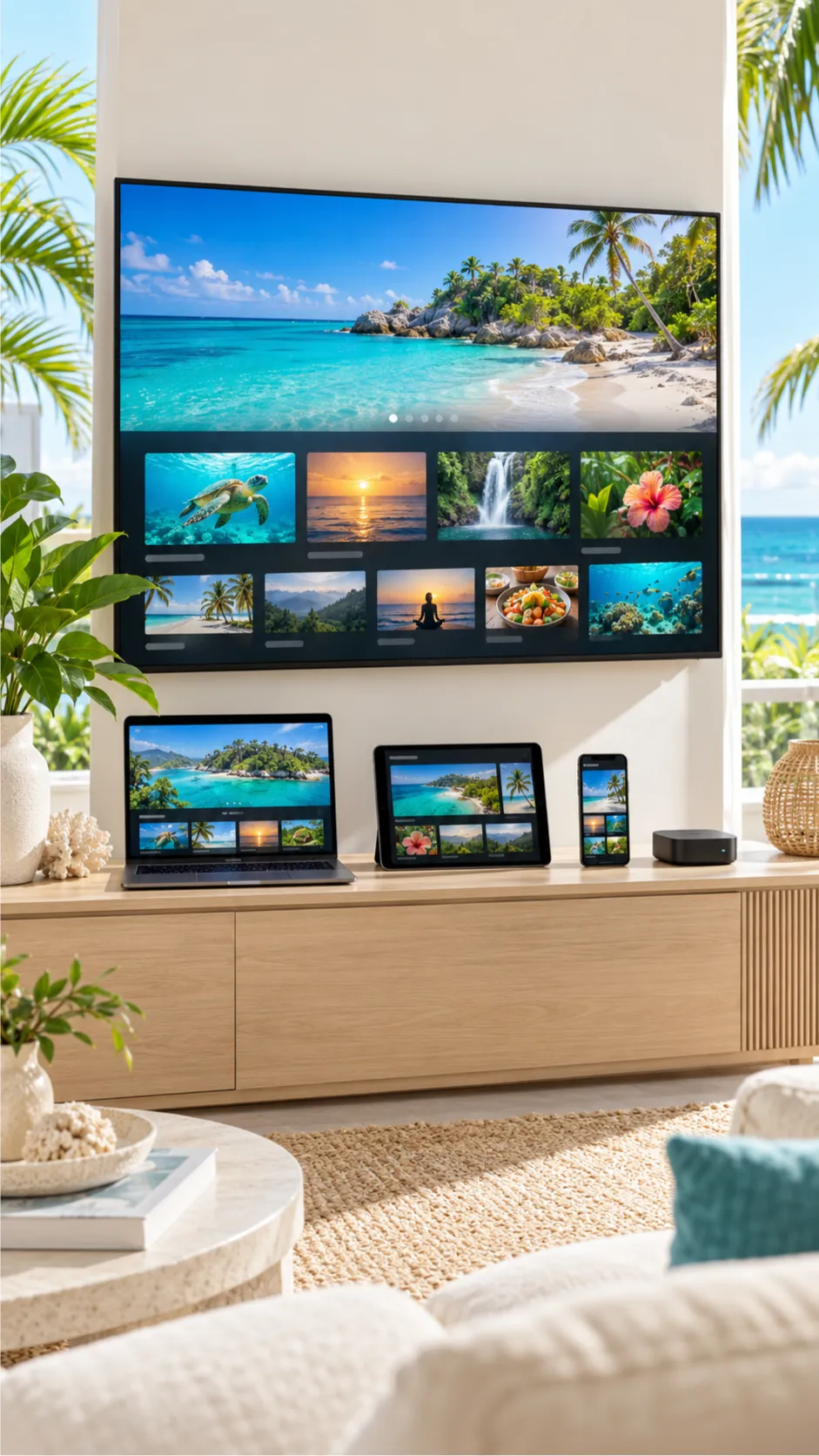
The right device depends on your home setup. Some people prefer a smart TV with supported applications, while others use a dedicated streaming device or a mobile screen.
Smart TVs
Smart televisions can provide a convenient living-room experience. However, supported apps vary by television brand, model, operating system, and region.
Amazon Fire TV and Streaming Devices
A streaming device can be useful when a television does not support the desired app. Check the provider’s approved setup method and use trusted app sources.
Phones, Tablets, and Computers
Mobile and desktop viewing may be convenient, especially for smaller households. Check whether the subscription allows these devices and how many screens can be used at the same time.
A Simple Setup Checklist
- Choose an authorized service and a suitable plan.
- Confirm compatibility with your exact device.
- Connect the device to reliable internet.
- Install the provider-approved app from a trusted source.
- Follow the setup instructions supplied with your subscription.
- Test the content you are authorized to receive.
You can also review the Unlimited IPTV setup guide for the installation methods described on the company’s website.
What Internet Speed Do You Need for IPTV in Florida?
One of the most common questions about internet television is whether the home connection is fast enough.
Requirements depend on the streaming service, picture quality, and number of simultaneous devices. For perspective, Netflix publishes the following recommendations for its own service:
| Video Quality | Netflix Reference Speed |
|---|---|
| HD (720p) | 3 Mbps or higher |
| Full HD (1080p) | 5 Mbps or higher |
| 4K UHD | 15 Mbps or higher |
Source: Netflix internet speed recommendations . These are Netflix-specific reference figures, not confirmed speed requirements for Unlimited IPTV. Other services may require more bandwidth.
How to Reduce Buffering
- Restart your router and streaming device.
- Test the actual speed near your television.
- Use wired Ethernet when practical.
- Reduce heavy downloads on other devices.
- Update your streaming app and device software.
- Check for local internet interruptions.
- Contact the service provider if the issue continues.
In Florida, severe weather can also interrupt electricity or internet access. No internet streaming subscription can overcome a complete loss of connectivity without an alternative working connection.
Choosing Streaming TV Across Florida
Although IPTV uses internet delivery, your location still matters. Local programming, regional sports rights, internet availability, and service terms can differ.
IPTV in Miami and Fort Lauderdale
Viewers in South Florida may want a mixture of English-language and Spanish-language programming. Ask which languages and local channels are actually included in the subscription before ordering.
IPTV in Orlando
Orlando households may prioritize family entertainment, movies, and simple setup on a main television. Check parental controls, content descriptions, and compatible devices.
IPTV in Tampa and St. Petersburg
Sports enthusiasts should check individual programming rights carefully. A service advertising “sports channels” does not necessarily include every local game, national broadcast, or exclusive event.
IPTV in Jacksonville and Other Florida Cities
For viewers in Jacksonville, Gainesville, Naples, Fort Myers, and smaller communities, reliable home internet and the availability of desired local stations are often important comparison points.
How to Explore Unlimited IPTV Subscription Options
If you are comparing IPTV subscriptions for a Florida household, you can explore the information published by Unlimited IPTV .
Its subscription page lists different subscription durations, including three-month, six-month, and twelve-month options. The available packages, prices, supported devices, and other terms should be checked again at the time of ordering.

Three Steps Before Ordering
- Review the plans: Visit the subscription page and compare the listed options.
- Confirm the details: Ask about Florida availability, device compatibility, programming rights, and current subscription terms.
- Contact the team: Use the WhatsApp ordering link to request the current information and next steps.
Ask About Your Florida Setup
Tell the team your city, device model, preferred type of programming, and subscription duration so you can confirm what is available before paying.
Frequently Asked Questions About IPTV Florida
1. What is IPTV Florida?
“IPTV Florida” generally refers to internet-based television services used by people in Florida. It is a search term, not one specific television provider or technology standard.
2. Is IPTV legal in Florida?
IPTV technology itself is legal. Whether a particular offering is lawful depends in part on whether it has the rights to distribute its programming. Confirm authorization for the content you plan to watch.
3. What is the best IPTV service in Florida?
The best choice depends on your preferred content, location, budget, supported devices, legitimate programming rights, and customer-service expectations. Compare those details before choosing.
4. Can I use IPTV on a smart TV?
Some authorized IPTV services support smart televisions. Compatibility varies by brand, model, operating system, and approved application.
5. Does IPTV work with Amazon Fire TV?
Some providers support Amazon Fire TV devices. Check the specific app and setup instructions. Prefer trusted app sources and confirm compatibility before purchasing a plan.
6. Can I watch Miami or Orlando local channels?
That depends on the provider’s current authorized channel lineup and your location. Ask whether the specific local stations you want are included.
7. Can I watch sports through IPTV in Florida?
Sports availability depends on the service, channel rights, event restrictions, and regional blackouts. Never assume that every sports event is included without confirmation.
8. How fast should my internet be?
The necessary speed varies by service, resolution, and simultaneous users. Compare your provider’s requirements with the speeds available in your home, leaving enough capacity for other connected devices.
9. Can I use one subscription on multiple screens?
Only if your subscription terms allow it. Ask about simultaneous connections and any additional-device charges.
10. Can I use the subscription while traveling?
Travel access depends on the provider’s terms and territorial content rights. Confirm availability at your destination before relying on a subscription.
11. What should I do if streaming buffers?
Check your Wi-Fi signal, internet speed, router, other connected devices, and app updates. If the connection works well but playback still fails, contact your provider’s support team.
12. How do I ask about ordering Unlimited IPTV?
Visit the subscription page or contact the team on WhatsApp . Confirm the plan details, content availability, compatibility, and terms before paying.
Final Thoughts: Finding the Right IPTV Option in Florida
Choosing an IPTV subscription in Florida should start with your viewing habits, not just promotional claims. A clear channel list, authorized content, compatible devices, transparent terms, and reliable internet matter far more than a large advertised number.
Whether your home is in Miami, Orlando, Tampa, Jacksonville, or elsewhere in Florida, take time to compare your options and ask questions before ordering.
Ready to Explore Your Options?
Review Unlimited IPTV subscription information or contact the team to ask about the plan and setup that may suit your Florida household.
Verify current prices, programming availability, content rights, device compatibility, and subscription terms before payment.