
Best Internet Speed for IPTV in 2026, IPTV has become one of the most popular ways to watch TV. People use it for live channels, sports, movies, series, and international content. But one question is asked again and again:
“How fast does my internet need to be for IPTV?”
Many people believe IPTV needs very high internet speed.
The truth is: IPTV does NOT use a lot of internet speed if it’s configured correctly and if you use a reliable IPTV service.
This article explains everything clearly, without technical confusion, so you know exactly what internet speed you need for IPTV in 2026.
Why Internet Speed Matters for IPTV (But Not as Much as You Think)
IPTV streams TV channels over the internet instead of satellite or cable.Internet Speed Matters for IPTV, This means your internet connection is important—but speed is only one part of the story.
In most cases, buffering and freezing are caused by:
- Unstable internet
- Poor Wi-Fi
- Old routers
- Low-quality IPTV services
Not because the internet speed is too slow.
How IPTV Uses Internet (Simple Explanation)
IPTV works by sending video data in real time from a server to your device.
There are two main types:
- Live TV (sports, news, channels)
- On-Demand content (movies, series)
Live IPTV needs stable internet, not extremely fast internet.
Unlike YouTube or Netflix, IPTV streams are optimized to work efficiently—even on moderate speeds.
Minimum Internet Speed for IPTV in 2026
Here are realistic minimum speeds:
- SD quality: 3–5 Mbps
- HD quality: 8–10 Mbps
- Full HD: 12–15 Mbps
- 4K / UHD: 25 Mbps
👉 This means most home internet connections are already enough for IPTV.
Recommended Internet Speed for Smooth IPTV
While IPTV can work on low speeds, a bit of extra bandwidth gives more comfort.
Recommended speeds in 2026:
- Single TV (HD / Full HD): 15–20 Mbps
- Single TV (4K): 30 Mbps
- 2–3 devices: 40–60 Mbps
- Family households: 60–100 Mbps
You do NOT need 300 or 500 Mbps just for IPTV.
IPTV for Families & Multiple Devices
When multiple devices are connected, the internet speed is shared.
For example:
- One TV watching IPTV (15 Mbps)
- One phone browsing (5 Mbps)
- One laptop streaming (10 Mbps)
That’s around 30 Mbps total.
A 50–100 Mbps connection is more than enough for most families.
Internet Speed vs Internet Stability (Very Important)
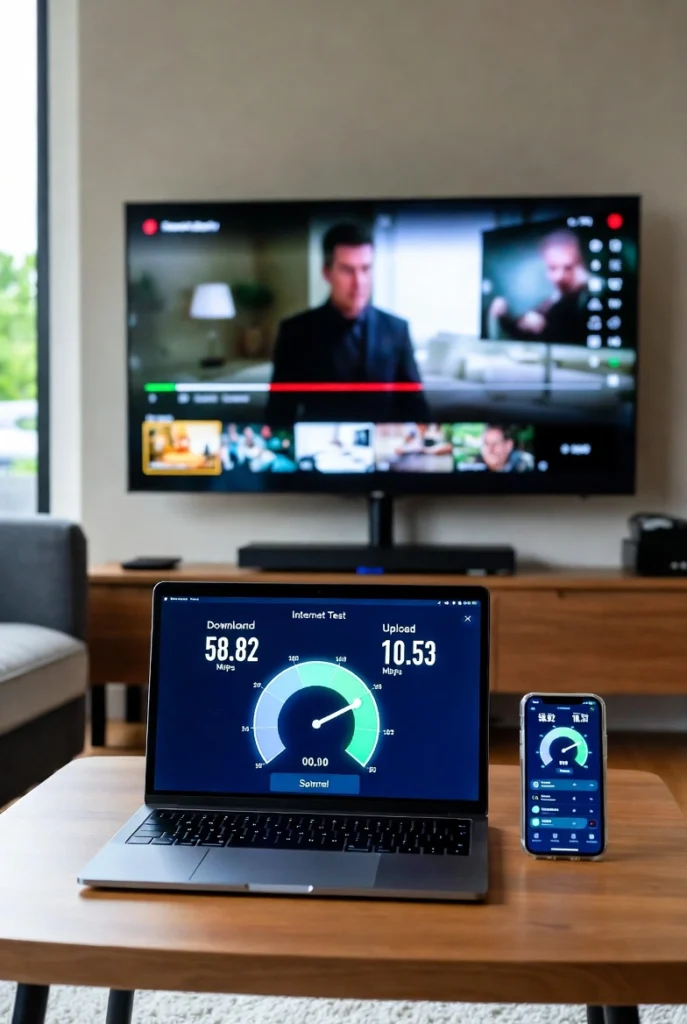
This is where many people get confused.
Speed ≠ Stability
A 100 Mbps unstable connection will perform worse than a 30 Mbps stable one.
Important factors:
- Low ping
- No packet loss
- Consistent connection
This is why IPTV works better on:
- Fiber
- Good DSL
- Stable 4G/5G
Than on fast but unstable Wi-Fi.
Wi-Fi vs Ethernet for IPTV
Ethernet (Cable)
✅ Best option
✅ More stable
✅ No interference
Wi-Fi
✔ Works fine if signal is strong
❌ Can be unstable through walls
👉 If possible, connect your Smart TV with an Ethernet cable.
Best Internet Type for IPTV in 2026
Fiber Internet
✅ Best choice
✅ Stable and fast
DSL / ADSL
✔ Works well for HD & Full HD
4G / 5G
✔ Very good if signal is strong
✔ Popular in many regions
Public Wi-Fi
❌ Not recommended
Common Internet Problems That Cause IPTV Buffering
Most IPTV Buffering , issues are NOT speed related.
Common causes:
- Old router
- Weak Wi-Fi signal
- Too many devices connected
- Peak hours
- Low-quality IPTV servers
How to Test Your Internet for IPTV
When testing your internet:
- Test during evening hours
- Check download speed
- Check ping (should be low)
Speed tests done at night or early morning can be misleading.
How to Improve IPTV Without Changing Your Internet Plan
Simple actions that help a lot:
- Restart router regularly
- Use Ethernet cable
- Place router centrally
- Close background apps
- Avoid public DNS overload
Often, these fixes remove buffering completely.
IPTV Service Quality Matters More Than Internet Speed

This is the most important point for IPTV Service Quality
A good IPTV service:
- Uses optimized servers
- Adapts stream quality automatically
- Works smoothly even on moderate speeds
A poor IPTV service will buffer even on fast internet.
Unlimited IPTV – Optimized for Low & Medium Speeds
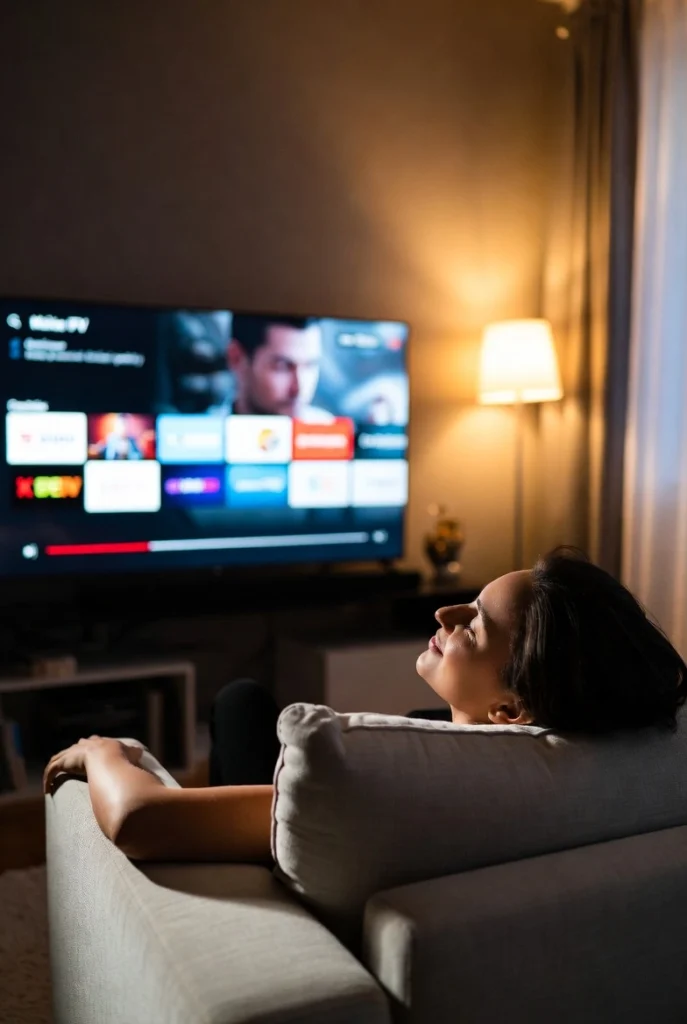
Unlimited IPTV is designed to work smoothly without requiring high internet speed.
Thanks to optimized servers, Unlimited IPTV:
- Works well on 15–20 Mbps
- Handles HD, Full HD & 4K efficiently
- Reduces buffering during peak hours
- Adapts to your connection automatically
👉 Setup guide:
https://unillimitediptv.com/setup-guide/
Unlimited IPTV Pricing (2026)
Unlimited IPTV offers simple and affordable plans:
- 1 Month – $9.99
- 3 Months – $15.99
- 6 Months – $20.99
- 12 Months – $39.99 (Best Value ⭐)
The 12-month plan is ideal for families and regular users because:
- Lowest monthly cost
- Long-term stability
- No frequent renewals
👉 View all plans:
https://unillimitediptv.com/iptv-subscription/
Why Unlimited IPTV Works Even on Average Internet
Unlimited IPTV focuses on:
- Server quality, not hype
- Efficient streaming technology
- Compatibility with all major IPTV apps
- Stable performance over raw speed
This is why many users enjoy smooth IPTV even without very fast internet.
Final Recommendation – What Internet Speed Do You Really Need?
✔ Single user:
15–20 Mbps
✔ Family:
50–100 Mbps
✔ 4K users:
30 Mbps per device
👉 You do not need ultra-fast internet for IPTV in 2026.
What you really need is:
- A stable connection
- A good router
- A reliable IPTV service
FAQs – Best Internet Speed for IPTV in 2026
Is 10 Mbps enough for IPTV?
Yes, for HD content on one device.
Does IPTV use a lot of internet?
No. IPTV is optimized and does not consume excessive speed.
Why does IPTV buffer on fast internet?
Usually due to Wi-Fi issues or poor IPTV servers.
Can Unlimited IPTV work on 4G/5G?
Yes, if the signal is stable.