
In 2026, the way people watch television has changed dramatically. Traditional cable TV is slowly disappearing, and more users are turning to IPTV for flexibility, affordability, and access to worldwide content. One of the biggest reasons for this shift is that IPTV is no longer limited to Smart TVs — it now works perfectly on Android phones, iPhones, and tablets.
Today, many users watch live TV, sports, movies, and series directly on their mobile devices. Whether you’re traveling, relaxing in bed, or using your phone as a second screen, IPTV on Android and iOS has become a practical daily solution.
In this complete guide, you’ll learn how to set up IPTV on Android & iOS step by step, using a real app example (IPTV Smarters Pro), while also understanding how a reliable IPTV service like Unlimited IPTV makes the experience smooth, stable, and frustration-free.
Why IPTV on Mobile Is So Popular in 2026
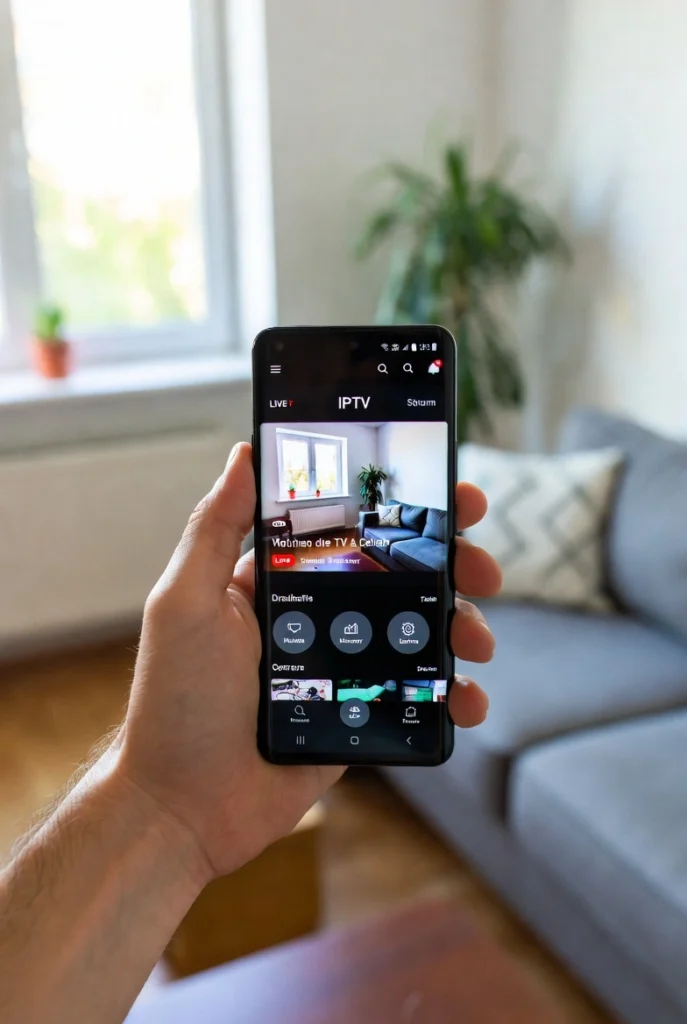
Mobile IPTV is no longer just a backup option. For many users, it’s now part of their main TV experience.
Here’s why IPTV on Android & iOS is growing fast:
- Smartphones are more powerful than ever
- Internet connections (Wi-Fi, 4G, 5G) are more stable
- IPTV apps are optimized for mobile screens
- IPTV services like Unlimited IPTV are designed to work efficiently even on moderate internet speeds
Unlike traditional streaming apps, IPTV allows users to access live TV channels, not just on-demand content. This is especially useful for sports fans, news viewers, and people who want real-time television anywhere.
What You Need Before Set Up IPTV on Android or iOS
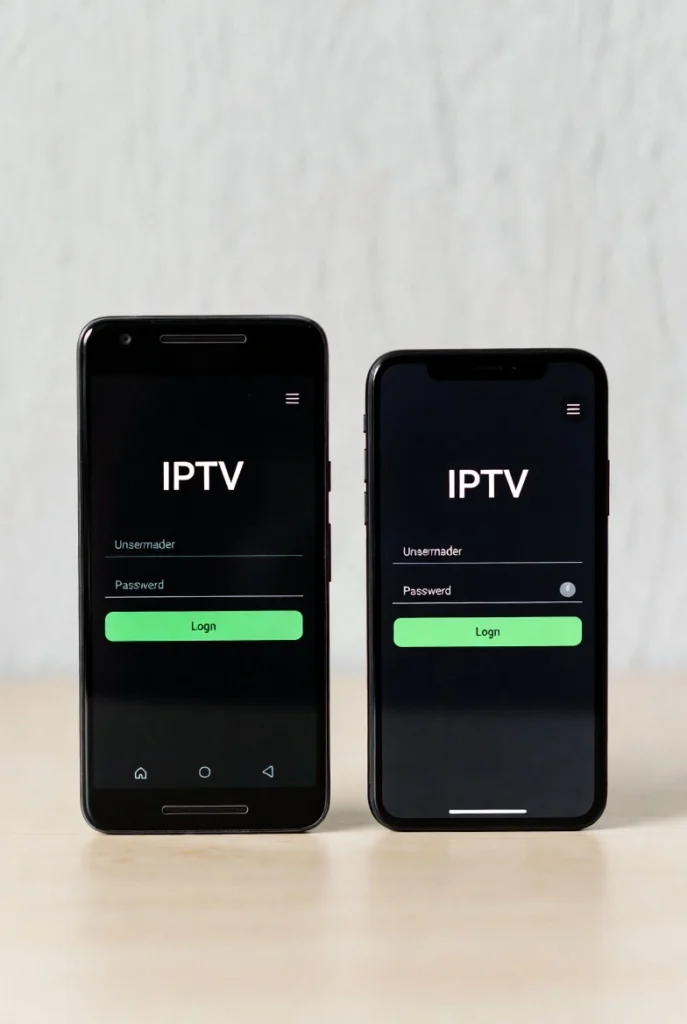
Before starting the setup, it’s important to understand what is actually required. Many beginners think they only need an app, but IPTV works differently.
You will need:
- An Android phone/tablet or iPhone/iPad
- A stable internet connection (Wi-Fi recommended, 4G/5G also works)
- An IPTV app (player)
- An IPTV subscription (this is where channels come from)
👉 Important clarification:
IPTV apps do not provide channels. They are only players. The channels, movies, and series come from the IPTV service you choose.
This is where using a stable provider like Unlimited IPTV makes a big difference, because a good service reduces buffering, loading errors, and app crashes on mobile devices.
For general IPTV knowledge and tips, you can explore:
🔗 https://unillimitediptv.com/blog/
IPTV Apps vs IPTV Services (Most Common Beginner Mistake)
One of the most common mistakes new users make is confusing IPTV apps with IPTV services.
IPTV App (Player)
- An application installed on your phone
- Plays IPTV streams
- Does NOT include channels
Example: IPTV Smarters Pro
IPTV Service
- Provides live TV channels, movies, series, sports
- Supplies login details (Xtream Codes or M3U)
- Determines stream quality and stability
A strong IPTV app + a weak IPTV service = bad experience
A good IPTV service like Unlimited IPTV + a compatible app = smooth experience
Example App: IPTV Smarters Pro (Why It’s So Widely Used)
IPTV Smarters Pro is one of the most popular IPTV apps for Android and iOS in 2026. It is widely recommended because it balances simplicity and functionality.
Users like IPTV Smarters Pro because:
- It works on both Android & iOS
- It has a clean, user-friendly interface
- It supports Xtream Codes (easy login)
- It runs smoothly on phones and tablets
- It works very well with stable IPTV services like Unlimited IPTV
Again, it’s important to remember:
👉 IPTV Smarters Pro does not include channels. You must connect it to an IPTV subscription.
How to Set Up IPTV on Android (Step-by-Step)
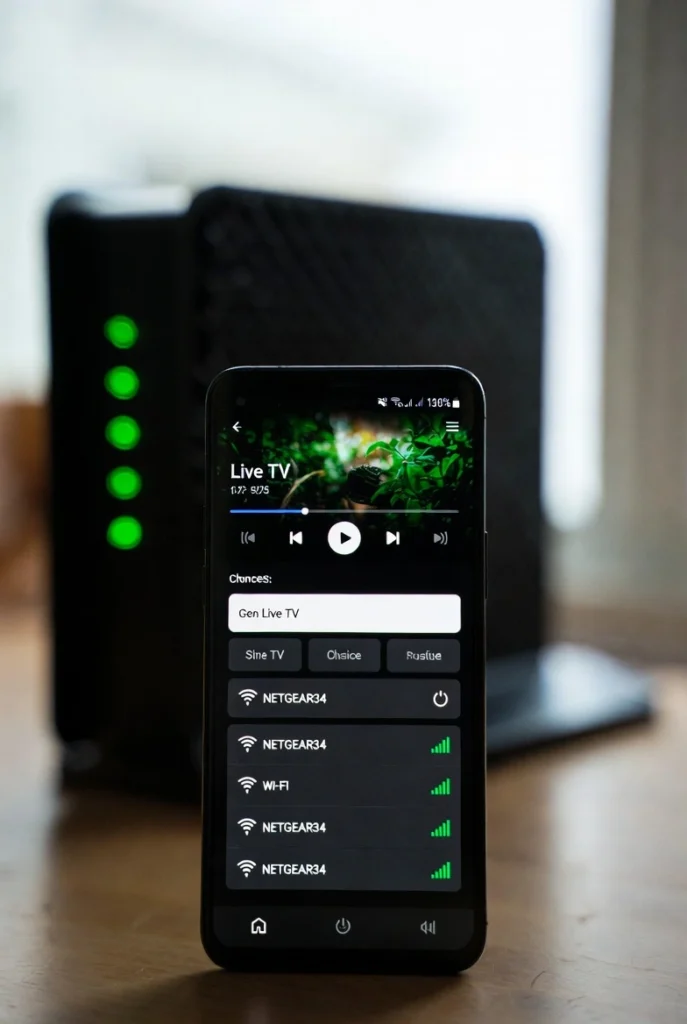
Let’s start with Android devices.
Step 1: Install IPTV Smarters Pro
- Open Google Play Store
- Search for IPTV Smarters Pro
- Install the app
Step 2: Open the App
- Accept permissions
- Choose Login with Xtream Codes API (recommended for beginners)
Step 3: Enter IPTV Details
You will need:
- Username
- Password
- Server URL
These details are provided by your IPTV service. If you are using Unlimited IPTV, the setup is straightforward and optimized for mobile devices.
Step 4: Load Channels & EPG
- The app will load Live TV, Movies, Series, and TV Guide
- This usually takes a few seconds
Step 5: Start Watching
You can now watch IPTV on your Android phone or tablet.
💡 Android tips:
- Disable battery optimization for the app
- Use Wi-Fi for best stability
- Restart the app occasionally for smoother performance
How to Set Up IPTV on iOS (iPhone & iPad)
The setup on iOS is very similar, with small differences due to Apple’s system restrictions.
Step 1: Install the App
- Open App Store
- Search for IPTV Smarters Pro
- Install
Step 2: Allow Permissions
- Allow network access
- Choose login method
Step 3: Enter IPTV Login Details
- Add Xtream Codes or M3U details
- Load channels and content
Step 4: Optimize Settings
- Set video quality to Auto
- Use landscape mode
- Close background apps
With a stable service like Unlimited IPTV, iOS users usually experience smooth playback even on average internet connections.
Best IPTV Settings for Mobile Devices (Android & iOS)
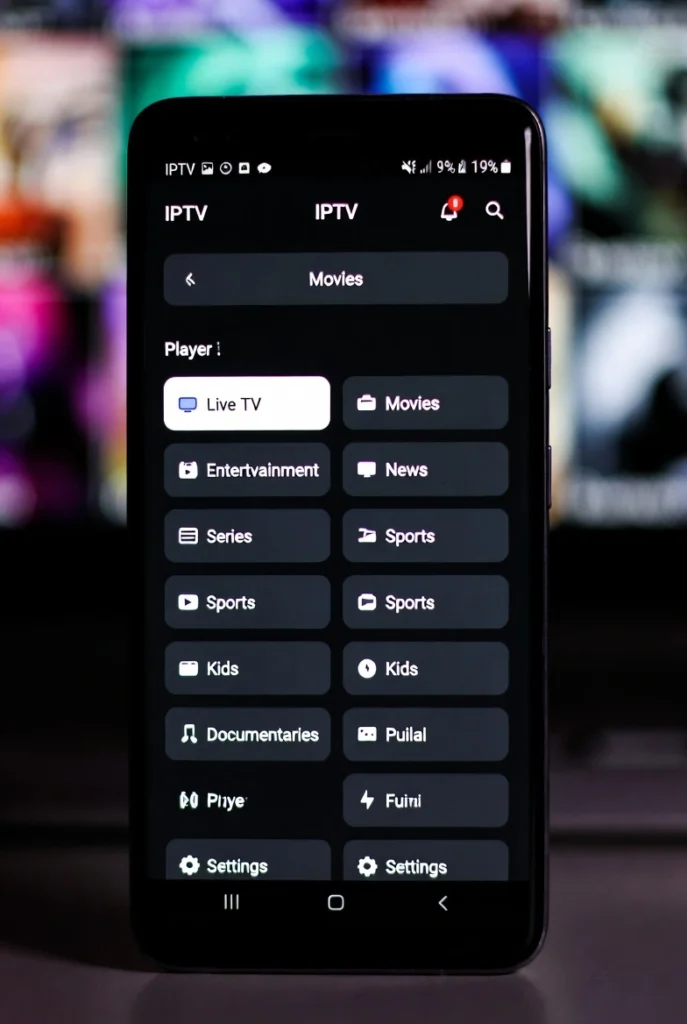
To get the best experience on mobile:
- Video quality: Auto or HD
- Buffer size: Medium
- Prefer Wi-Fi when available
- Use headphones or external speakers
- Restart the app if performance drops
Unlimited IPTV streams are optimized so they don’t require very high internet speed, which makes them ideal for mobile usage.
IPTV on Mobile Data (4G / 5G) – What to Expect
Yes, IPTV works on mobile data, but data usage matters.
Approximate usage:
- SD: ~1 GB/hour
- HD: ~2–3 GB/hour
- Full HD: ~4–5 GB/hour
Unlimited IPTV is optimized to adapt stream quality based on your connection, which helps reduce unnecessary data usage when you’re not on Wi-Fi.
Common IPTV Problems on Mobile (And Why They Happen)
Most mobile IPTV problems are not caused by the phone.
Common issues:
- Buffering → unstable internet or weak Wi-Fi
- Black screen → app or stream reload needed
- No channels → incorrect login details
- App crashes → outdated app version
Using a reliable IPTV provider like Unlimited IPTV significantly reduces these problems.
Why IPTV Service Quality Matters Even More on Mobile
Mobile devices are more sensitive than Smart TVs. They rely on:
- Stable servers
- Fast response time
- Optimized streams
Cheap IPTV services often struggle on mobile because their servers are overloaded. Unlimited IPTV focuses on server stability and optimization, which is why it performs well even on phones and tablets.
Unlimited IPTV – Designed for Android & iOS
Unlimited IPTV works perfectly with IPTV Smarters Pro and other popular mobile IPTV apps.
Key advantages:
- Optimized servers (low buffering)
- Works well on moderate internet speed
- Worldwide channels
- Sports, movies, series, kids content
- Smooth mobile streaming experience
📘 Setup guide:
🔗 https://unillimitediptv.com/setup-guide/
Unlimited IPTV Subscription Plans (2026)
| Plan | Price |
|---|---|
| 1 Month | $9.99 |
| 3 Months | $15.99 |
| 6 Months | $20.99 |
| 12 Months | $39.99 (Best Value ⭐) |
All plans provide the same quality. The 12-month plan is the most popular because it offers long-term stability at the lowest monthly cost.
👉 View subscriptions:
🔗 https://unillimitediptv.com/iptv-subscription/
IPTV App Compatibility on Android & iOS
| Feature | Android | iOS |
|---|---|---|
| IPTV Smarters Pro | ✅ | ✅ |
| Xtream Codes | ✅ | ✅ |
| M3U Playlist | ✅ | ✅ |
| Wi-Fi & 4G/5G | ✅ | ✅ |
Security & Privacy Tips for Mobile IPTV
To stay safe:
- Avoid public Wi-Fi
- Keep apps updated
- Never share IPTV credentials
- Use trusted IPTV services only
Unlimited IPTV provides support and guidance to help users avoid common mistakes.
Who Should Use IPTV on Mobile?
IPTV on Android & iOS is ideal for:
- Travelers
- Students
- Sports fans
- Families (extra screen)
- Backup TV viewing
Many users combine Unlimited IPTV on Smart TV + mobile for full flexibility.
Final Thoughts – Is IPTV on Android & iOS Worth It in 2026?
Absolutely.
Mobile IPTV is no longer a secondary option. In 2026, it is a powerful, flexible way to watch live TV anywhere. When combined with a stable service like Unlimited IPTV, the experience is smooth, affordable, and reliable.
FAQs – IPTV on Android & iOS (2026)
Does IPTV Smarters Pro include channels?
No, you need an IPTV subscription.
Can I use Unlimited IPTV on my phone?
Yes, it works perfectly on Android & iOS.
Does IPTV need fast internet on mobile?
No, IPTV works well on moderate speeds with a good service.
Can I watch IPTV on 4G/5G?
Yes, if the signal is stable.
Why does IPTV buffer on my phone?
Usually due to unstable internet or poor IPTV servers.
Need Help With Setup?
If you need help setting up IPTV on Android or iOS, choosing the right app, or selecting a plan, support is always available.
📩 Contact us:
🔗 https://unillimitediptv.com/contact-us/