
IPTV Login Failed in 2026? 8 Fixes for M3U & Xtream Codes Errors
A “login failed” message can ruin movie night before it even starts. But the fix is often less mysterious than it looks: the wrong login method, a mistyped server address, an expired playlist, or a connection issue.
Follow this guide in order. You’ll learn what each error means, what to check first, and when you should stop changing settings and contact your authorized streaming provider.
First: What Does “IPTV Login Failed” Actually Mean?
An IPTV login failed message means that your player could not complete a requested connection or authorization process. It does not automatically prove that your password is wrong. Some players display similar messages when a playlist URL is unreachable, the server has changed, or the device cannot reach the network.
Check whether you’re entering Xtream Codes credentials (server address, username and password) or a complete M3U playlist URL. Confirm the details with the provider who issued them, test your internet connection, and then refresh the playlist. These two setup methods are different and cannot simply be pasted into the same fields.
It also helps to know which account you are signing into. A paid player app can have its own account or premium license, while an IPTV playlist uses separate credentials from your content provider. Buying a player upgrade does not automatically give you channels.
IPTV Error Decoder: What Should You Try Next?
Error wording varies between apps. Use this table to narrow down your next move; it is a starting point, not a guaranteed diagnosis.
| Message you see | Possible cause | Best first check |
|---|---|---|
| Invalid username or password | Entry error, changed credentials, inactive account | Re-enter details from the original authorized provider |
| Authorization failed / access denied | Account restriction or server-side authorization | Verify account status and ask the provider what is authorized |
| Playlist failed to load | Wrong M3U URL, unreachable source, failed import | Check the complete URL and try a fresh import |
| Connection timed out | Local network issue or slow/unreachable server | Test another normal internet app, then network connectivity |
| Empty playlist / no channels | Empty response, incorrect source or unavailable entitlement | Ask the playlist owner whether the source contains content |
| Unsupported playlist / format | Wrong import method or incompatible format | Select the supported M3U or Xtream option in your player |
8 Ways to Fix an IPTV Login Failure
Start with the simplest checks. Changing five settings at once makes it harder to tell what solved the problem.
Make Sure You’re Using the Right Account
Check the exact screen where the error appears. Is it a sign-in screen for the player application, or the “Add Playlist” screen asking for IPTV server information? They may require different accounts.
For example, a TV player’s premium subscription may only unlock interface features. The playlist or channels still need to come from an authorized source. Look at the field labels before entering anything.
Check the Full Server Address — Especially the Port
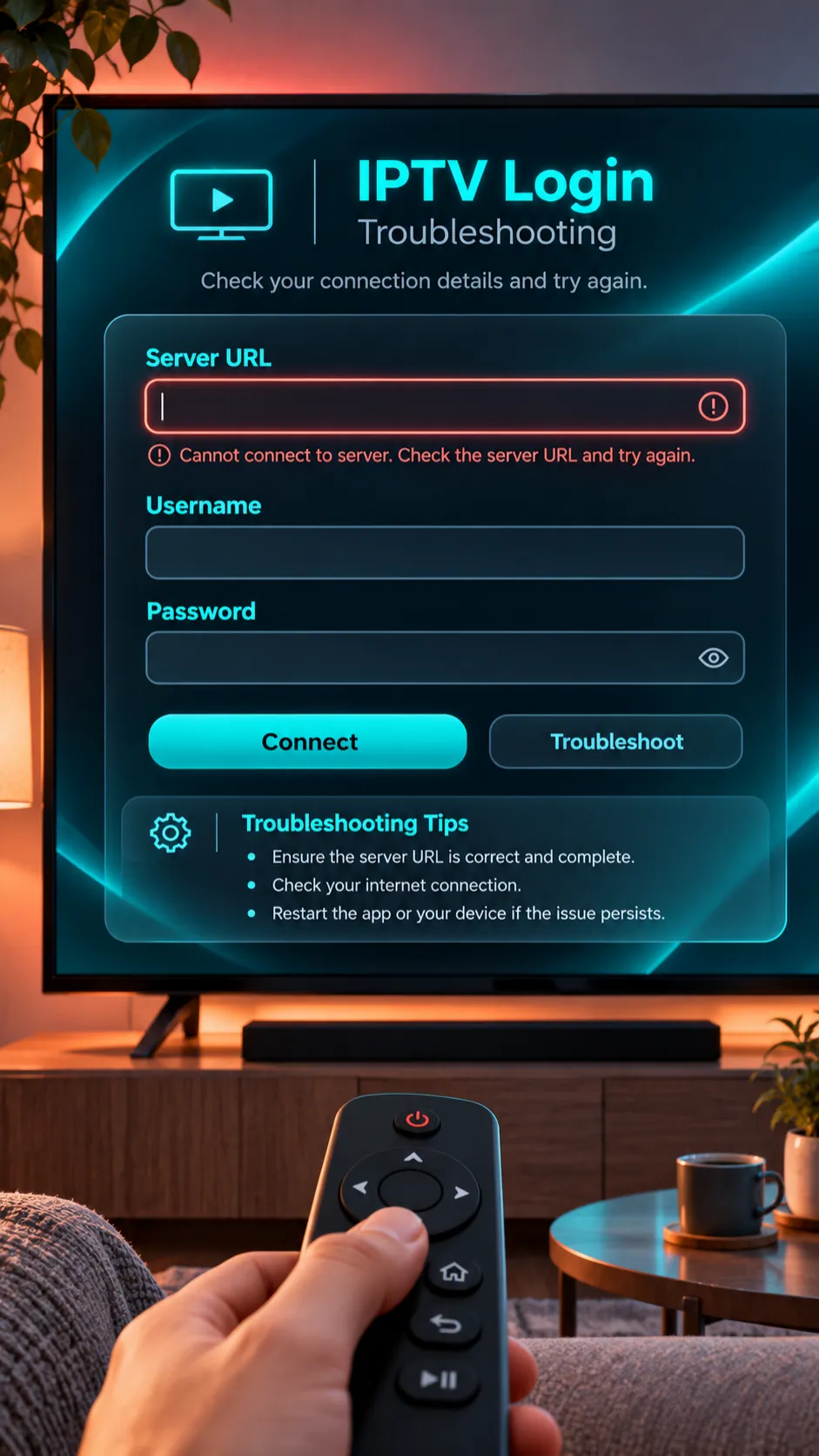
If your provider supplied Xtream details, enter the entire server address exactly as provided. Watch for http versus https, the port number, missing punctuation, extra spaces, and a trailing character copied from a message.
Don’t guess a replacement domain or port number. If the address no longer responds, ask your legitimate provider whether their connection details changed. Never post a working playlist link or password in a public forum.
Re-enter Your Username and Password Carefully
Small typing mistakes matter. A space at the beginning of a username, an incorrect capital letter, or an unexpected TV keyboard symbol can cause an authentication failure.
Use the most recent private credentials sent by the authorized source, check any expiration notice, and avoid trying endless password variations. If the service offers an official account portal, confirm your account status there. Otherwise, ask its support team to verify the login.
Choose Xtream Codes or M3U — Don’t Mix Them Up
Xtream Codes setup: your player typically asks for a server URL, a username, and a password in separate fields. M3U setup: your player asks for the complete playlist URL supplied to you.
Putting a full M3U URL in an Xtream “server” field is a common setup mistake. If your provider supports both methods, ask which one it recommends for your device. Some apps let you add the same licensed playlist through either supported method for troubleshooting.
Check Whether the TV Can Reach the Internet
Open another trusted app on the same TV. If nothing connects, the likely problem is your device or home network rather than your IPTV login. Restart the router and TV normally, check Wi-Fi signal strength, and make sure your device clock is set correctly.
If other apps work, that only confirms basic internet access. It does not prove the playlist’s server is online. Where appropriate, try the same authorized playlist on another trusted connection to identify a network-specific issue.
Refresh or Re-import the Playlist
A saved playlist can contain outdated details even after the source has been corrected. First use your player’s Refresh Playlist or Update option if available. Then close and reopen the application.
If the problem remains, save the original information privately, remove only the affected playlist, and add it again. On Android-based devices, clearing cache can be worth trying; clearing app data may erase accounts and settings, so don’t do that casually.
Get Your IPTV Questions Answered
Explore streaming setup information and contact Unlimited IPTV about compatible devices, playlist setup, and available service details. Confirm authorization and terms before buying any subscription.
Test With Another Trusted Player or Supported Login Method
If your login works in one approved app but not another, the issue may be how the first player handles that playlist format. Update your player from its official app store before testing.
For instance, the official TiviMate listing says the Android TV player supports M3U, Xtream Codes and Stalker Portal playlists, but provides no channels or streaming content itself. Choose a player compatible with your device and use playlists only from sources you’re authorized to access.
Ask the Provider to Check Access, Service Status and Device Limits
If you have verified the fields and the internet connection, the remaining cause may be on the server side. An account may have expired, a source may be undergoing maintenance, or your plan may have a stated connection limit. Those conditions depend on the provider and can’t be fixed by repeatedly reinstalling the app.
Contact the verified provider who issued your playlist. Share the app name, device type, approximate time of the error, and its wording. Never send your password, full M3U link, or private tokens in an untrusted support channel.
How to Prevent the Same IPTV Login Error Later
- Store your server address and credentials privately in a password manager.
- Keep the player and device software updated from official sources.
- Save the playlist format (Xtream or M3U) alongside your account details.
- Record when your legitimate service or playlist authorization renews.
- Change one troubleshooting setting at a time, then test again.
- Avoid unofficial “credential checker” websites or unknown app downloads.
One more distinction is worth remembering: login problems and buffering problems are not the same thing. If your channels open but repeatedly pause during playback, the problem may involve network stability or stream delivery, not the login credentials.
Frequently Asked Questions
Why does my IPTV say “login failed” even with the correct password?
The error may be caused by a wrong server address, incomplete port number, expired authorization, unavailable server, or incorrect login method. Verify the source details and whether the provider reports an outage before changing more settings.
How do I fix Xtream Codes login failed?
Use the Xtream option in your player and carefully enter the full server URL, username and password in separate fields. Make sure the account is still active and the address and port match what the provider issued.
Why is my M3U playlist not loading?
The URL might be incomplete, the source might return an empty response, or the server might be unreachable. Confirm the entire M3U link privately with the source, refresh the player and re-import it if necessary.
Can I use an M3U playlist instead of Xtream Codes?
Only when your authorized provider offers that format and your player supports it. They use different input methods; you cannot convert them simply by pasting the same text into different fields.
Does paying for an IPTV player include live TV?
Not necessarily. For example, TiviMate’s official listing states that its player app does not provide channels or content; a separate authorized playlist is needed. Read the specific app’s terms before paying.
Will reinstalling the IPTV app fix an authorization error?
It can fix a damaged local installation, but it cannot restore an expired server-side account or bypass an access restriction. Try non-destructive updates and playlist refresh first, and contact the provider about authorization issues.
Is an IPTV app legal to use?
A media player can be used for authorized streams, but rights to channels and programs depend on the content source and your location. Use properly licensed streaming sources and do not assume an app’s presence in a store makes every playlist lawful.
Fix the Cause, Not Just the Error Message
If your IPTV login failed, the fastest path is to identify the login type, double-check the original credentials, test your connection and confirm the provider’s service status. That simple order saves time and avoids unnecessary resets.