
How Much Internet Speed Do You Need for IPTV in 2026?
Is 10 Mbps enough? How many Mbps do I need for IPTV Do you really need 100 Mbps for 4K? And what happens when everyone in the house starts watching something different? Let’s make internet speeds simple.
Do You Need Super-Fast Internet to Watch IPTV?
Imagine this. You’ve just made dinner, settled onto the couch, and found something you really want to watch. Everything looks great for a few minutes. Then the picture freezes.How many Mbps do I need for IPTV
Your first thought might be: “Maybe my internet isn’t fast enough.”
Sometimes that’s true. But not always.
The right internet speed for IPTV depends on the quality of the video, how many devices are streaming at the same time, and how stable your connection is throughout the day.
In this guide, we’ll explain how many Mbps you need for IPTV, whether 25 or 50 Mbps is enough, and how to choose an internet connection that fits your household.
The Short Answer
For a single stream, plan for roughly 5–8 Mbps for HD, 8–12 Mbps for Full HD, and 20–25 Mbps for 4K. These are practical planning ranges. Actual requirements vary by service and video format.
If several people stream simultaneously, you’ll need to account for all active streams and leave extra bandwidth for other internet activity.
IPTV Internet Speed Requirements in 2026
Here’s a simple chart to help you understand the difference between standard definition, HD, Full HD, and Ultra HD streaming.
These figures are intended for general planning, rather than as guaranteed minimums for every IPTV provider.
Different streaming platforms use different compression methods and bitrates. For context, Netflix’s published guidance recommends 5 Mbps for 1080p and 15 Mbps for 4K. YouTube’s guidance recommends sustained speeds of 5 Mbps for 1080p and 20 Mbps for 4K.
A little extra connection capacity is useful, especially when your video stream shares the network with phones, laptops, game consoles, and other televisions.
Your Household Matters More Than a Single Speed Number
A person living alone and watching one HD stream has very different needs from a family running two televisions, a laptop, and several phones.
That’s why the best internet plan for someone else may not be the best one for you.
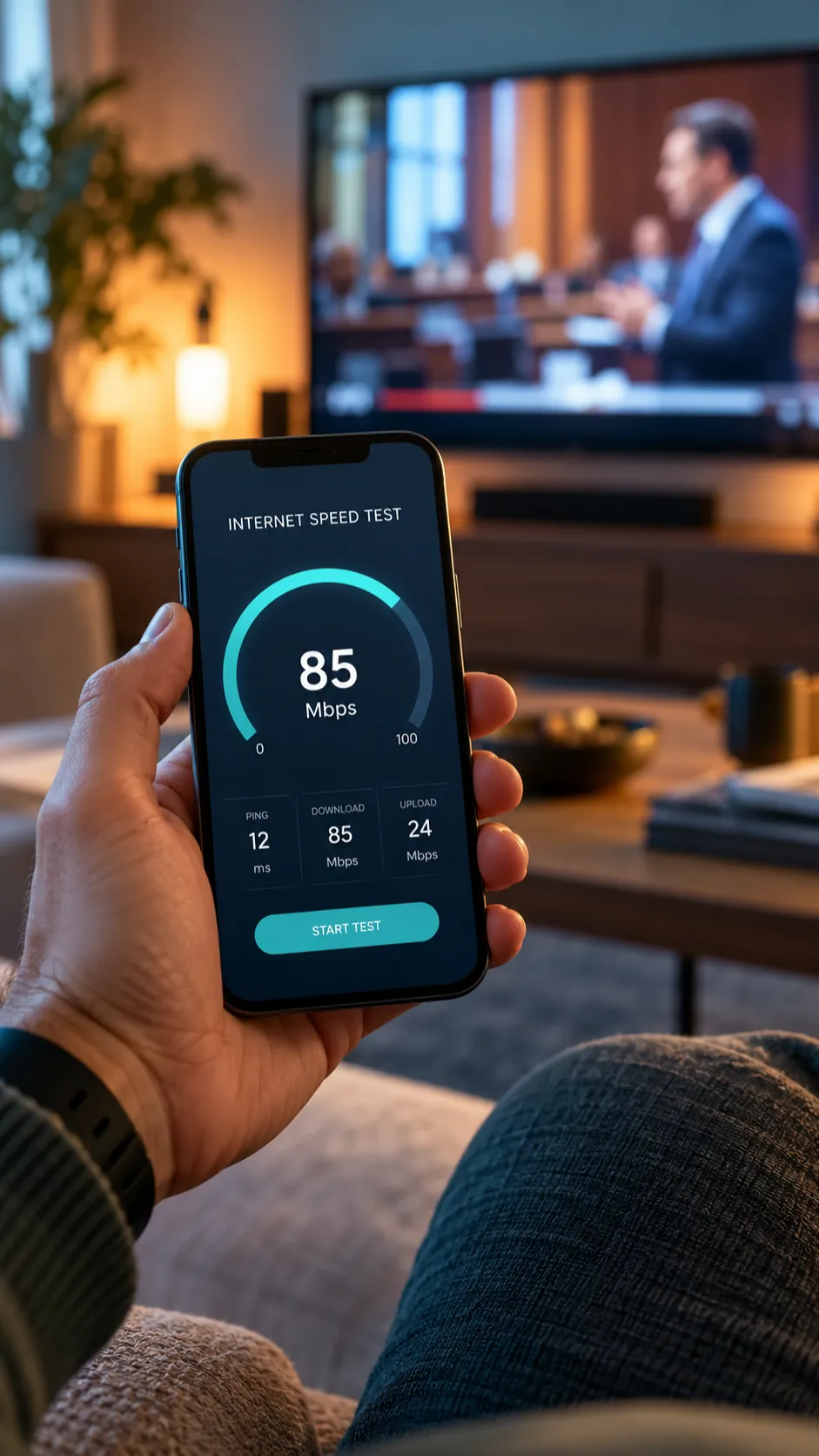
What Does Mbps Actually Mean?
Internet companies love showing numbers: 25 Mbps, 100 Mbps, 500 Mbps, and sometimes even 1 Gbps.
But what do those numbers mean when you’re simply trying to watch TV?
Mbps stands for megabits per second. It describes how much data your connection can transfer per second.
Think of your internet connection as a road. A narrow road can handle a little traffic. A wider road can support more cars at once.
Video streaming works similarly: higher-quality video generally requires more data, and more simultaneous streams require more total capacity.
Is 10 Mbps Enough for IPTV?
This is one of the most common questions people ask when comparing minimum internet speed for IPTV.
A stable 10 Mbps connection can be enough for some individual HD and Full HD streams.
But there is a catch.
If your connection delivers only 10 Mbps and your video uses most of that capacity, there may be little bandwidth left for another device or a temporary increase in streaming bitrate.
You might notice buffering when someone starts downloading a large file or another person begins a video call.
When 10 Mbps Might Be Enough
- You’re streaming on one device.
- The video is HD or Full HD.
- Your connection stays stable.
- Other devices aren’t using much bandwidth.
When You Might Need More
- You want reliable 4K streaming.
- Two or more televisions stream together.
- Several people use your internet connection.
- Your connection slows down at busy times.
How Much Internet Speed Do You Need for 4K IPTV?
4K video can look beautiful on a large screen: fine details, crisp landscapes, and a more immersive picture.
However, internet speed for 4K IPTV is usually higher than for HD because 4K carries substantially more visual information.
As a general planning target, allow around 20–25 Mbps of dependable download capacity for a single 4K stream.
Some efficient services need less. Others may need more, particularly for high-bitrate content.
Importantly, 25 Mbps should not be confused with a guarantee that every 4K stream will play without interruption.
Our Practical Recommendation
If your household mainly watches one 4K television, a stable 50 Mbps connection can provide useful breathing room beyond the video’s own requirements. Households with multiple streams should calculate their needs separately.
How Much Speed Do You Need for IPTV on Multiple Devices?
Let’s say you’re watching a movie in the living room while someone else watches a program in the bedroom.
Both streams use your internet connection. Add a phone downloading updates and a laptop on a video call, and the total demand grows.
That’s why it’s helpful to estimate the amount of bandwidth used at the same time, rather than simply count how many devices you own.
One HD Television
One person watching HD or Full HD with light browsing on a phone.
Consider 25 Mbps+One 4K Television
A 4K stream, plus everyday phone and laptop use.
Consider 50 Mbps+Busy Family Home
Multiple HD or 4K streams alongside general internet use.
Consider 100 Mbps+These are illustrative broadband plan choices, not official requirements for Unlimited IPTV or any particular streaming platform.
Example: Two HD TVs and One 4K TV
Suppose your household has:
- Living room television: 4K at 25 Mbps
- Bedroom television: Full HD at 10 Mbps
- Another television: Full HD at 10 Mbps
That’s an illustrative combined streaming demand of 45 Mbps.
Adding around 25% extra capacity gives approximately 56 Mbps. In this example, a plan delivering a reliable 75–100 Mbps could provide useful additional room.
Real-world usage can vary significantly. Not all streams maintain the same bitrate continuously, and the speed delivered to individual devices may be lower than the advertised broadband plan speed.
Don’t Rely Only on the Number Printed on Your Internet Plan
Paying for 100 Mbps doesn’t mean every room receives a reliable 100 Mbps over Wi-Fi.
Distance from the router, walls, interference, and the quality of your device’s wireless connection can all affect the result.
Test the connection near the television where you actually plan to stream.

Download Speed vs Upload Speed: Which Matters for IPTV?
When you watch a stream, most of the video data travels from the streaming service to your device.
That’s why download speed is the primary bandwidth figure to consider when watching IPTV.
Upload speed matters more when you’re sending large amounts of information to the internet, such as uploading videos or broadcasting your own livestream.
For normal IPTV viewing, focus on dependable download speed and overall connection stability.
How to Test Your Internet Speed Before Watching IPTV
You don’t need to be a network engineer to check whether your connection is suitable.
Connect a phone or computer to the same Wi-Fi network your television or streaming device uses.
Stand near your television and open a reputable internet speed-testing service.
Run the test and note your download speed in Mbps.
Repeat the test a few times, including during the evening when your household normally watches television.
Compare the results with the speed ranges in this guide. If possible, also test directly on the streaming device.
You can use the free speed test at Fast.com as one starting point.
Remember that a speed test measures performance to the test service. It cannot guarantee identical performance to every streaming server.
Is Wi-Fi Good Enough for IPTV, or Do You Need Ethernet?
For many homes, good Wi-Fi is more than capable of supporting video streaming.
But a television located far from the router can struggle, even when a phone beside the router reports excellent speeds.
Wi-Fi Can Work Well When:
- The router is reasonably close.
- Signal strength is consistently good.
- There is limited wireless interference.
- Your network has enough available bandwidth.
Ethernet May Be Worth Considering When:
- You frequently stream 4K content.
- Your Wi-Fi signal changes throughout the day.
- Other devices compete for wireless capacity.
- Your streaming device supports wired networking.
Ethernet removes the wireless link from the connection, which can improve consistency in situations where Wi-Fi is the problem.
You’ll still depend on the quality of your internet connection and the streaming service.
A Strong Home Network Helps Every Streaming Device
You may not need an expensive new router or an upgraded internet package.
Sometimes a better router location, a wired connection, or moving a Firestick away from interference is enough to noticeably improve stability.
Start with the simple changes before spending more money.
Why Is IPTV Buffering Even With Fast Internet?
Here’s something that surprises a lot of people: you can have a 200 Mbps connection and still experience video buffering.
Internet speed matters, but it isn’t the entire story.
Potential causes include:
- Weak Wi-Fi at the television.
- Temporary network congestion.
- Packet loss or connection interruptions.
- An outdated streaming app.
- Limited device processing performance.
- Problems with the video source.
- Local network equipment issues.
If every streaming app buffers, investigate your network. If only one app has problems, investigate that app. If a single video or channel consistently fails, the content source may be responsible.
Helpful Tip
Before upgrading to a faster broadband package, test whether the existing problem comes from your Wi-Fi, streaming app, device, or service. More Mbps will not automatically fix every type of buffering.
Can You Watch IPTV Using 4G or 5G?
Depending on signal quality, network coverage, and the streaming service, a mobile internet connection may support IPTV playback.
However, mobile network speeds can fluctuate as you move, as signal strength changes, or when the local network becomes busy.
You should also consider data allowances.
For example, a stream averaging 5 Mbps uses roughly 2.25 GB of data per hour. At 20 Mbps, the same calculation gives approximately 9 GB per hour.
These are mathematical estimates, not fixed data usage figures. Actual use depends on bitrate, quality settings, and the streaming technology.
5 Internet-Speed Mistakes IPTV Viewers Should Avoid
1. Choosing a Plan Based on One Television
If your household regularly uses several streaming devices, calculate their combined demand. One television doesn’t represent the entire home’s internet usage.
2. Assuming Higher Mbps Always Fixes Buffering
A faster package won’t repair a faulty app, an unstable Wi-Fi connection, or problems at the streaming source.
3. Ignoring Router Placement
A router tucked behind furniture or placed far from the television may deliver poor wireless performance where you need it most.
4. Testing Internet Speed Only Once
Connection performance can change throughout the day. Repeat your tests at different times to get a more realistic picture.
5. Forgetting About Data Limits
Even if your connection is fast enough, a broadband or mobile data allowance can limit how much you stream each month.
Ready to Improve Your Home Streaming Experience?
Whether you’re using a Firestick, Smart TV, or Android TV device, the right internet setup makes a difference.
Explore Unlimited IPTV or contact us on WhatsApp if you have questions about device compatibility and streaming setup.
IPTV Internet Speed FAQ
1. What is the minimum internet speed for IPTV?
Some standard-definition streams can work at around 3–5 Mbps. For HD, Full HD, and 4K, plan for progressively higher speeds. Requirements depend on the individual service and stream.
2. Is 20 Mbps enough for IPTV?
A stable 20 Mbps connection can support many individual HD and Full HD streams. It may also support some 4K content, but there may be limited room for other heavy internet activity.
3. Is 50 Mbps enough for 4K IPTV?
A stable 50 Mbps connection generally offers a useful amount of capacity for one typical 4K stream and lighter household usage. Actual needs vary.
4. Is 100 Mbps good for IPTV?
Yes, 100 Mbps can provide comfortable capacity for many households using multiple streaming devices, provided the network remains stable and the service works reliably.
5. How much internet speed do I need for two IPTV devices?
It depends on the resolution of both streams. Two Full HD streams might together require around 16–24 Mbps using this guide’s planning ranges. Leave additional capacity for other internet activity.
6. Does a Firestick need faster internet than a Smart TV?
Not necessarily. Video bitrate and resolution usually matter more than the name of the device. Differences in Wi-Fi reception, processing ability, and supported video formats can affect playback.
7. Why does IPTV buffer with 100 Mbps internet?
Buffering can occur because of Wi-Fi instability, network congestion, player app issues, device limitations, or problems with the streaming source.
8. Is Ethernet better than Wi-Fi for IPTV?
A compatible Ethernet connection can provide more consistent performance when the wireless connection is weak or affected by interference. Reliable Wi-Fi can also work very well.
9. Do I need 1 Gbps internet for IPTV?
No. A gigabit connection is far beyond the bandwidth requirements of most individual video streams. Larger households may benefit from faster plans, but 1 Gbps is not a basic IPTV requirement.
The Best Internet Speed for IPTV Is the One That Fits Your Home
So, how much internet speed do you need for IPTV in 2026?
If you’re watching a single Full HD stream, you may not need an especially fast broadband connection.
If you’re watching 4K or sharing the connection across several devices, you’ll need more capacity.
But speed is only one piece of the puzzle.
Stable Wi-Fi, compatible streaming equipment, properly maintained apps, and a reliable authorized content source all matter.
Before paying more for broadband, test your current connection, think about how many screens you use together, and choose a plan that leaves some breathing room.
After all, the goal isn’t to have the biggest number on your internet bill. It’s to sit down, press play, and enjoy your evening.
Reference information: Streaming-speed examples were informed by published guidance from Netflix and YouTube. Service-specific requirements may differ.